Comfortable SDR brightness
Apply your preferred Windows SDR content brightness while HDR remains enabled for games, video, and supported apps.
 HDR SDR Brightness Assistant
Keep SDR apps comfortable while Windows HDR stays on. Set day and night SDR brightness, recover your preferred level automatically, and capture HDR screenshots that do not look blown out.
Built for OLED, QD-OLED, MiniLED, HDR monitors, HDR TVs, and HDR laptop panels where regular SDR apps can become too bright, too dim, or washed out after HDR is enabled.
Apply your preferred Windows SDR content brightness while HDR remains enabled for games, video, and supported apps.
Use separate SDR brightness values, follow Windows Night Light, or rely on the built-in fallback schedule.
If Windows or another app changes SDR brightness, the tray app can restore your configured value.
Capture region or fullscreen HDR screenshots with native tone mapping, physical-pixel output, clipboard copy, PNG save, and annotations.
No bundled .NET runtime, service, driver, account login, or telemetry. Three native executables keep the portable package compact.
The Microsoft Store version is a paid app with a full-feature trial and no subscriptions or in-app purchases.
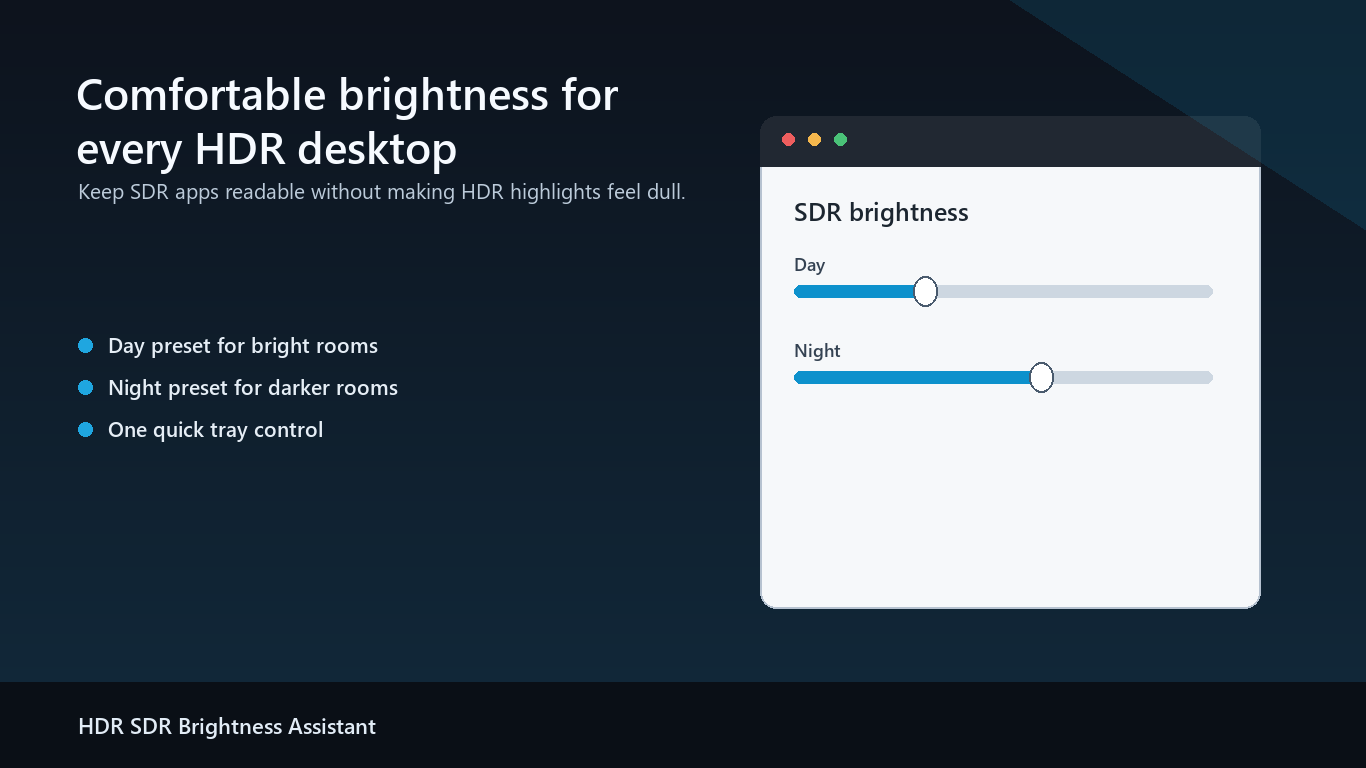
Pick comfortable SDR brightness values, preview the result, apply once, then let the app stay out of the way.
Regular screenshot tools can turn HDR content into a pale or overexposed image. Version 1.1 adds a faster native workflow, latest-request screenshot replacement, fullscreen maximize, pointer-centered wheel zoom up to 8x, and middle-button panning for precise annotations.
Why HDR screenshots look washed out — and how to share them as SDR PNGs
No. It targets Windows SDR content brightness while HDR is enabled, so HDR games and videos can stay HDR.
No. The app runs as a normal user app from the tray and does not install a driver or Windows service.
No. Settings stay local. The app does not require an account and does not include telemetry or third-party tracking.
Auto, Simplified Chinese, Traditional Chinese, English, Korean, Japanese, Russian, and German.
Install the Store version to use the full-feature trial, receive updates through Microsoft Store, and keep setup simple.
